| OCR Text |
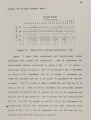
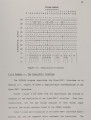
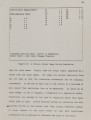
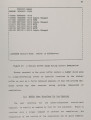
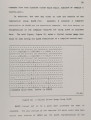
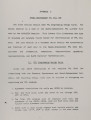
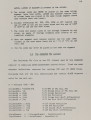
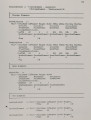
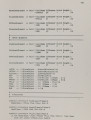
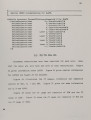
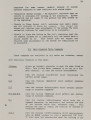
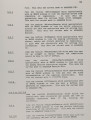
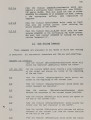
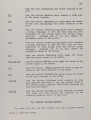
Show 93 the needed dynamic capabilities. In addition, :&:MODE provided. an able to detect functional errors in the control-unit and change tbe control-unit immediately upon recognition of the error. This requires the ability to immediately go to the text of the SICUDL program describing the machine and alter it, rebuilding the simulation and compilation database when the desired changes have been made. The extensive EMODE window and buffer capabilities give the user efficient character based user interface for operation of both the Simulator and the compiler .. In constructing the user- interface for the simulator, EMODE buffers containing the SICUDL control-u."lit description, the state of each state in the control-unit, the state of each input, the state of each output, the listing of all past history, and the text generated when errors are encountered are created. Different mOGes of operation are used in different phases of the simulation. These modes are: - MaGhine Edit Mode: This inode allows the user to alter the SICUDL description of the machine using standard text editing and to set up the simulation and compilation databases. - Simulate Mode: This mode allows the user to control the simulation process by beginning simulation, continuing Simulation, aborting simulation and editing inputs. - Input Edit Mode: This mode is a submode of Simulate Mode. It allows the user to toggle input values from true to false and back. _ History Examine Mode: This mode allows the user to examine the complete history of the simulation, including any backing-up done. It is essentially a text edit mode and . allows the user to annotate the simulation results and to savs the history of the simulation in a file. _ Error Examine Mode: This mode allows tbe user to examine any |