| OCR Text |
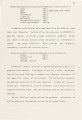
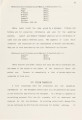
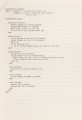
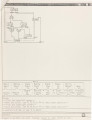
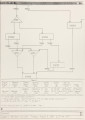
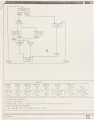
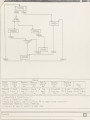
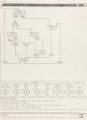
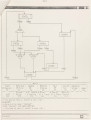
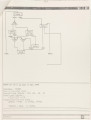
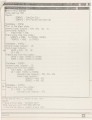
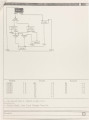
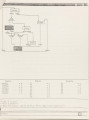
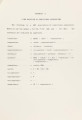
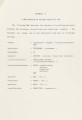
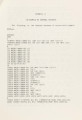
Show editing. 43 The modified structure of the state will then be parsed and entered into the database. Similar menu items are provided for modifying global inputs and transitions as well. 4.6 Help Messages Besides the warning messages displayed in the standard output window, the help key available in all of the menu groups for displaying the descriptions of the menu items. A typical view of the screen when a menu item "Help" was selected is shown in Figure 13. 4.7 Textual Description and Capturescreen In order to be able to produce hardcopy outputs of both the textual descriptions and the graphical displays, for documentation purposes, GCS also provides a feature for writing the design in a textual form into the directory. An example of what this description looks like for GCSTest is given in Figure 14. There are pair of routines capturescreen and apollovpr used to record the contents of the Apollo display memory and to print this as an image on a electrostatic printer/plotter. These application programs, were written by Maguire, are bound into both a menu item and a Control key in GCS so that the designer is able to generate hard copies of the displays at any time during the design. 4.8 The Simulator After the control-units are designed, performance and functional correctness are checked by the simulator. This tool will help the user check whether the control-unit behaves as desired. This is important because it can save a tremendous amount of time and enormous |