| OCR Text |
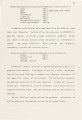
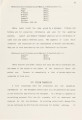
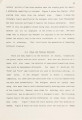
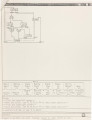
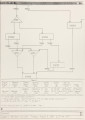
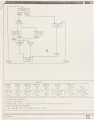
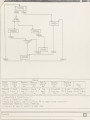
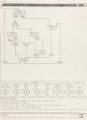
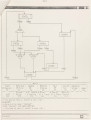
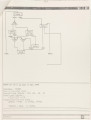
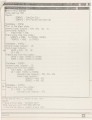
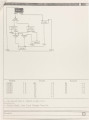
Show 13 graphics, the menus and echoes from GCS. A brief introduction of the screen display from start-up time to how it is partitioned for use in GCS is as follows. After log in, Aegis creates a process and presents some windows on the display. Figure 1 shows the initial window position on the portrait display. There are Display Manager input and output windows at the bottom of the screen. The display manager creates an input and a transcript (output) pad for each process. At start-up time the system displays these pads which are associated as standard input and output streams above the Display Manager input window. The standard output stream appears above the standard input window upon which the top-level graphical frame and menus of GCS are created and manipulated. As mentioned in section 2.1, a designer is allowed to define the top level frame up to 32768 x 32768 units for the design (the default is set to 800 x 1000 units). The Apollo DN400 has a portrait screen for the display, therefore only 800 x 1000 units are visible at one time. At the beginning, the upper-left corner of the frame is placed under this physical window, and the user can use the scroll key to see different parts of the frame. Of this physical screen, the upper seventy percent of the standard transcript (output) pad (about 800 x 700 units) is used as a viewport to look at the top-level frame which is later used to display the graphical control-unit. This frame is further equipped with the Graphics Primitives Package [2, Chapter 7] and several fonts of different size provided by Aegis. The upper half of the lower third of the standard transcript pad |