| OCR Text |
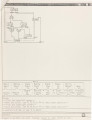
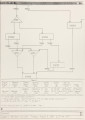
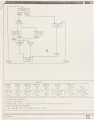
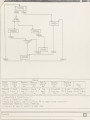
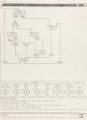
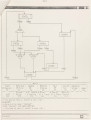
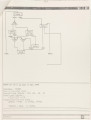
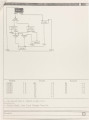
Show 19 The designer views the top-level frame through a default viewport which can be changed by the "windowing" menu item if desired. Similarly, when a designer specifies any objects screen, GCS will have to transform its location on the display back to its corresponding position in the world coordinate system for manipulation. The graphical symbols and the arcs used are discussed in the following section. The dimensions of each graphical objects are specified according to the world coordinates. A rectangle of 100x40 units is used to represent a state. When a designer selects the menu item to enter state information, he will be asked to designate a location for the state after the state name has been specified. After a designer locates the state, a rectangle with the state name tagged at the center will be displayed on the screen with the right dimensions after appropriate are six input points on the upper edge transformations. There for connecting incoming transition arcs as well as six output points on the lower edge for connecting output transition arcs. In the design of Speed-Independent control-unit, three types of transitions Move (and MoveAfter), Fork (and ForkAfter) and Join (and JoinAfter) are available to the designer. Different predefined symbols are employed to graphically differentiate them. An arc without any symbol is used to connect the "From State" to the "To State" of a "Move" type transition. A triangle with each edge of 60 units with the text "FORK" tagged to it is used as a transition symbol for "Fork" type transitions, with the vertex at the top connected to the "From State" of the transition, and with four points at the base |