| OCR Text |
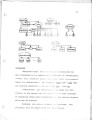
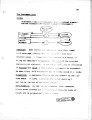
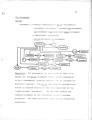
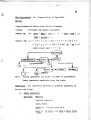
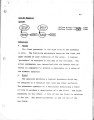
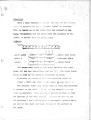
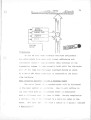
Show 64 IV. The User's Environment Introduction Most interactive systems use a special command language for handling files, initiating jobs and communicating with the compilers. In the FLEX system this language is FLEX-no other languages need be learned. There are also no special entities called "files" in the system as will be seen. Admitting the User to the Machine When it is desired to allow a new user access to the machine, a process is created and named with his password. This process will not terminate during the period that he is allowed to use the machine. Most of the time it will lie passive on the secondary storage waiting to be reactivated which is simply done by the user typing in his password on the console. The user's process is activated, and he is now able to communicate with the machine through FLEX and the powerful editor which controls a free-running compiler that is translating everything that is entered through the keyboard to FLEX code. Since his process is also declared active, the pragmatic system will attempt to execute all produced code. This will appear to the user as though his commands at this lowest level are being executed statement by statement. |