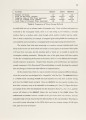
| OCR Text |
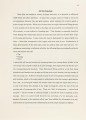
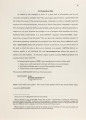
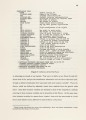
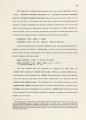
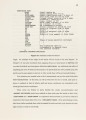
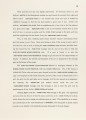
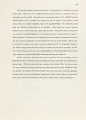
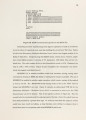
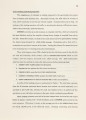
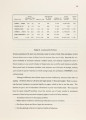
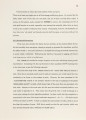
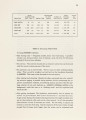
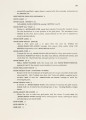
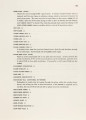
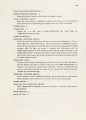
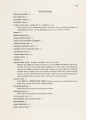
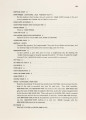
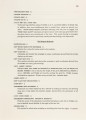
Show finds nodes with more than one given name, you will be asked to choose via pop-up menu one of those names to be the unique node name. • Show Net File Shows the net file (minus macro definitions) on the typeout window. • Write Net File Writes the net file, name prompted for, to disk. This is for use with the RSIM simulator. • Write NTK File Writes an NTK file, name prompted for, to disk. This is for use with the MOSSIM simulator. A.6.Label Operations 95 Clicking on the Labels Ops grid menu option causes the following Mouse Documen-tation Line to appear: L: Make Label, R: Exit (make mouse tile sensitive.) Move the mouse onto a label for a choice of operations. When on a label, the choices are: L: Move, M: Replicate, M2: Delete, R: Other. • Make Label Pops up a Choose Variable Values menu, allowing you to type a string, select one of several fonts to draw the string in, and either a horizontal or vertical orientation. Upon exiting this menu, you are prompted to click the mouse where you want the baseline of the label to be. Click somewhere where there are no nearby tiles to avoid having part of the tile display reps become part of the label! You need not worry if you didn't place it right where you wanted at first, since labels can be moved with the mouse. •Move Moves the label with the mouse, just like moving tiles, except a label can be placed anywhere. • Replicate Replicates the label, drawing the replica right over the original, which with XOR drawing, makes. it disappear. Be sure to move the replicated label so that you will be able to see both of them. • Delete Deletes the label, erasing it as it does. |