| OCR Text |
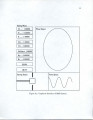
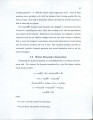
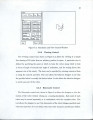
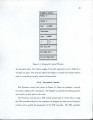
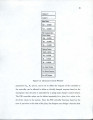
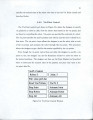
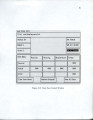
Show 47 step. The simulator can simulate multiple independent robots. The physical state of each robot is updated by numerical integration using a Runge-Kutta fourth order technique. The simulator is divided into several different tools as mentioned above. Each of the simulation tools is available as a window of control and information for the behavior designer. The tools are: 1. Simulation Control, 2. Viewing Control, 3. Kinematic Control, 4. Dynamic Control, 5. Via Point Control, 6. Robot State Display, 7. Robot State Trace, and 8. Robot State Data Saving Control. 5.3.1 Simulation Control The Simulation Control tool, shown in Figure 5.3, allows the specification of the size of the time step of the simulation. The larger the time step is the faster the simulation runs. However, the larger the time step, the larger the error in the simulation. This feature allows the designer to choose speed or accuracy. This simulation control also allows for single stepping through the simulation or starting and stopping of a continuous simulation. The feature enables one to quickly and carefully step through critical parts of the robot's behavior response. |